Projects & notes
How to organize tasks and projects together
A task tells you what to do next. A project gives that task a reason. Keeping the two connected helps you plan at the right level, without turning your daily list into an inventory of everything you might ever do.
Example: deliver a client website
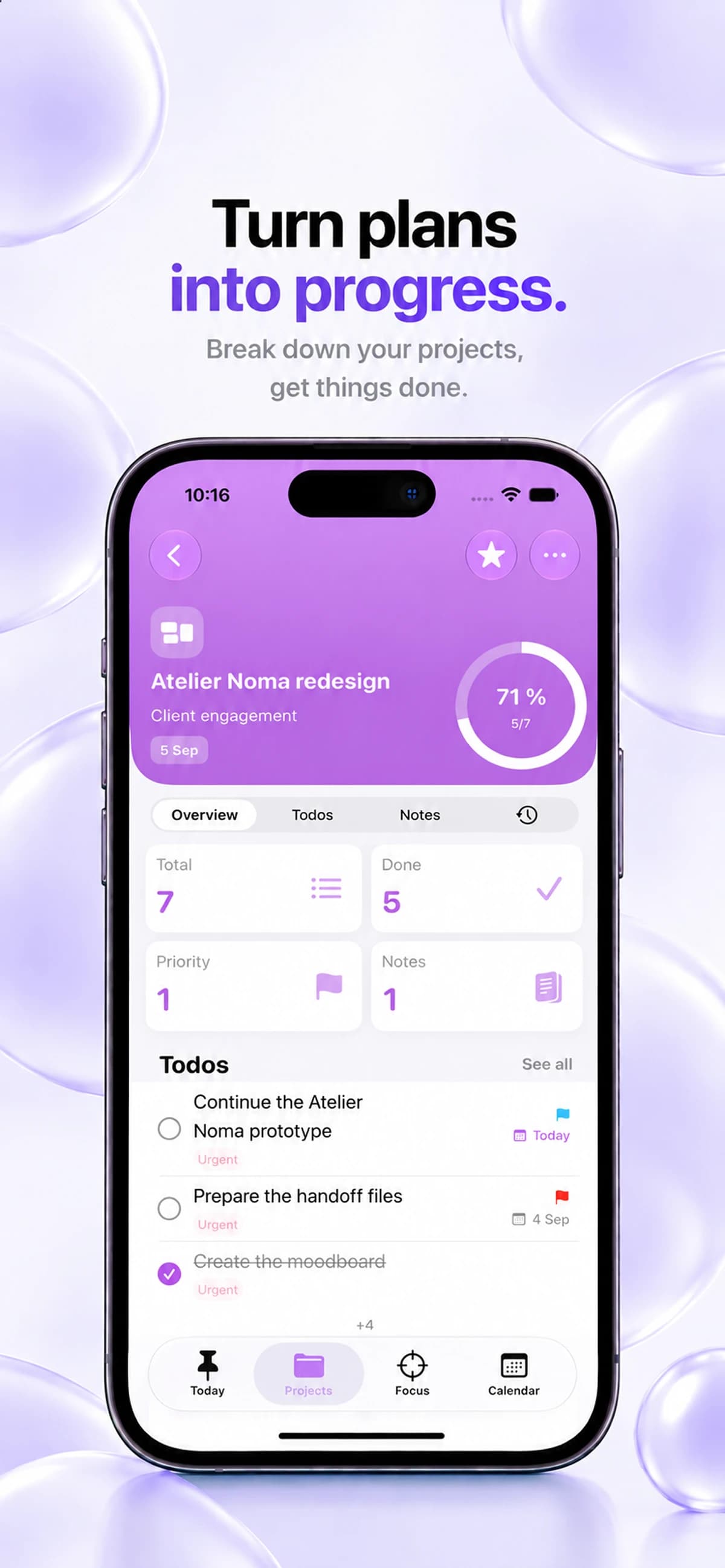
Use a project called “Client website” to separate the final delivery from the individual tasks. Here is a sample plan to enter in Keepio.
- Add three tasks: “Collect the client’s images”, “Write the homepage copy” and “Send the first version for review”.
- Keep the brief, useful links and feedback in the project notes. Assign the delivery deadline to the project and dates to the tasks that need them.
- Choose the first task for today. When the client replies, update the notes and add the next action instead of keeping the whole conversation in a task title.
Start with an outcome, then find the next action
“Redesign my portfolio” is an outcome that takes several steps. “Choose three projects to feature” is an action you can work on. Create a project for the larger outcome and use tasks for the actions that move it forward.
Write tasks with a verb and enough context that they make sense tomorrow. “Portfolio” leaves you with another decision. “Draft the introduction for the portfolio homepage” gives you a clear place to begin.
Use your Inbox before you organize
You do not need to fully plan every thought as it arrives. Capture it first. Then set aside a short review to decide whether it belongs in an existing project, needs a new project or can stay as a standalone task.
In Keepio, your Inbox is a place to collect tasks before sorting them. Project notes hold the context you will need later, so your task titles can stay brief and actionable.
Give today a realistic scope
Review upcoming work and choose a small set of actions that fits the day you actually have. A deadline is a constraint; a priority helps you decide what deserves attention first. Use both deliberately.
For a portfolio project, today might include choosing the work and writing one introduction. The rest of the redesign can remain in the project until you are ready for it.
Close the loop with a review
At the end of a work period, check what changed. Mark completed tasks, add any newly discovered steps and update notes that will help you restart. A project is easier to return to when its next action is already clear.
Keepio brings project progress, tasks, priorities, notes and deadlines together. Use the calendar to look ahead, then your daily task view to bring the plan back to today.